



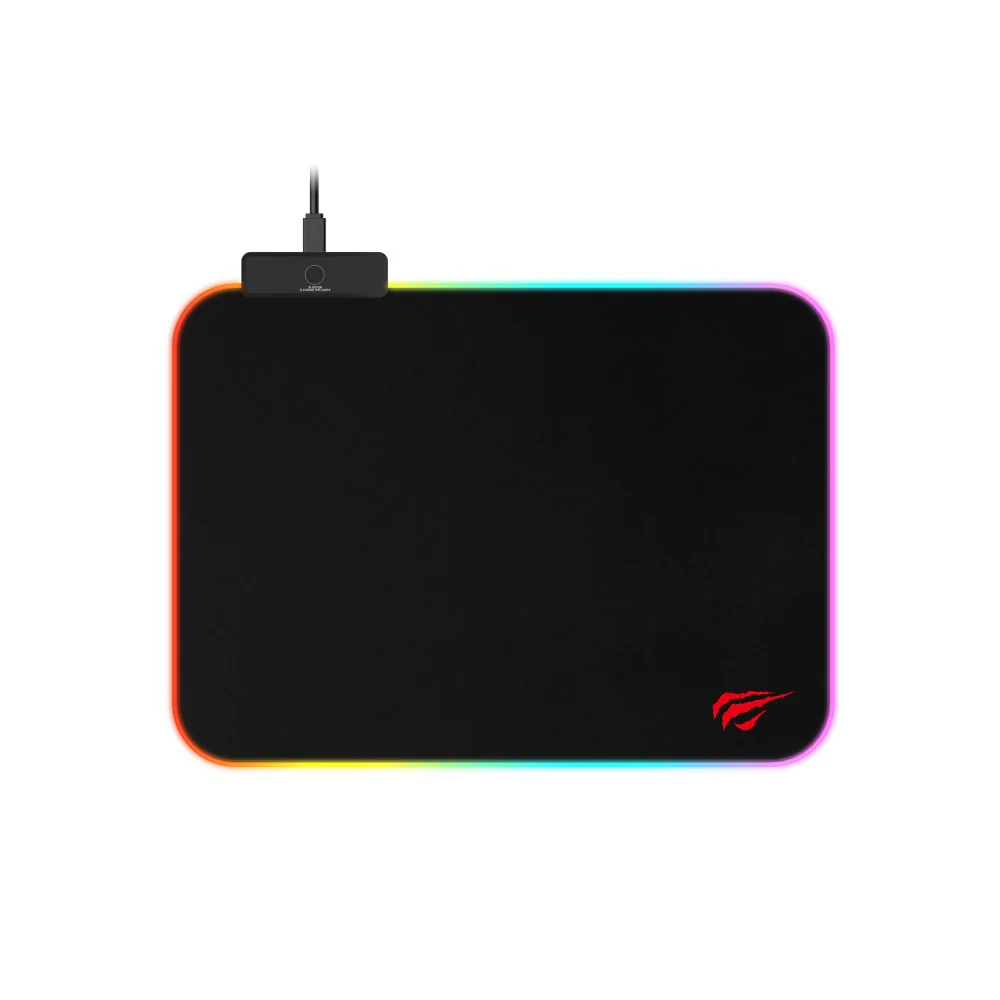
An rgb mouse pad is more than just a gaming accessory. It adds style to your setup, improves mouse movement, and enhances the overall gaming experience. However, without proper care, dust, stains, and cable damage can reduce its lifespan. Learning the best RGB Mouse Pad Maintenance Tips for Long-Lasting Performance can help keep your desk setup looking clean and functioning smoothly for years.
In this guide, you will discover simple and effective ways to maintain your RGB mouse pad and protect its lighting features.
Why Proper RGB Mouse Pad Maintenance Matters
RGB mouse pads combine soft fabric surfaces with built-in LED lighting and electronic components. Unlike standard mouse pads, they require extra attention because moisture, dirt, and rough handling can damage both the surface and lighting system.
Following proper RGB Mouse Pad Maintenance Tips for Long-Lasting Performance ensures:
- Smooth mouse tracking
- Brighter RGB lighting
- Longer product lifespan
- Better gaming and work performance
- A cleaner desk setup
Regular maintenance also prevents unnecessary wear and costly replacements.
Clean the Surface Regularly
One of the easiest ways to extend the life of your RGB mouse pad is regular cleaning. Dust, sweat, and crumbs can build up over time and affect mouse precision.
Steps to Clean the Surface
- Unplug the RGB mouse pad before cleaning.
- Use a soft microfiber cloth to remove loose dust.
- Mix mild soap with lukewarm water.
- Gently wipe the surface using a damp cloth or sponge.
- Avoid soaking the pad or getting water near the USB connection.
- Let it air dry completely before reconnecting.
Avoid using harsh chemicals because they may damage the fabric or fade the RGB lighting edges.
Protect the RGB Lighting and USB Cable
The LED strip and USB cable are sensitive parts of the mouse pad. Mishandling them may lead to lighting issues or connection failures.
Cable Protection Tips
- Do not bend the cable sharply.
- Keep the USB connector dry and clean.
- Unplug carefully instead of pulling the wire.
- Use cable organizers to reduce tension.
These simple habits are essential RGB Mouse Pad Maintenance Tips for Long-Lasting Performance because cable damage is one of the most common issues users face.
Avoid Eating and Drinking Near Your Setup
Food crumbs and liquid spills can quickly ruin an RGB mouse pad. Liquids may seep into the lighting components and permanently damage the LEDs.
To reduce risk:
- Keep drinks on a separate coaster away from electronics.
- Clean spills immediately if accidents happen.
- Avoid oily snacks while gaming.
A clean gaming environment helps maintain both appearance and functionality.
Store Your Mouse Pad Properly
When not in use, proper storage helps prevent bending and surface damage.
Best Storage Practices
- Lay the mouse pad flat instead of folding it.
- Store in a cool, dry place.
- Keep heavy objects off the surface.
- Avoid direct sunlight for long periods.
Sun exposure may weaken the fabric and reduce LED brightness over time.
Use the Right Desk Surface
Rough or dirty desks can damage the underside of your RGB mouse pad. Always place it on a smooth and clean desk surface.
A proper setup improves stability and prevents unnecessary friction that can wear out the pad faster.
Check for Software and Firmware Updates
Some advanced RGB mouse pads include customizable lighting software. Keeping software updated may improve lighting effects and device compatibility.
If your mouse pad comes from a gaming brand with software support, check for updates occasionally to ensure optimal performance.
Common Mistakes to Avoid
Many users unintentionally shorten the lifespan of their RGB mouse pads by making simple mistakes.
Avoid These Habits
- Washing the mouse pad in a washing machine
- Using strong cleaning chemicals
- Folding the pad tightly
- Leaving it wet after cleaning
- Pulling the USB cable aggressively
Avoiding these mistakes is one of the smartest RGB Mouse Pad Maintenance Tips for Long-Lasting Performance because prevention is always easier than repair.
Final Thoughts
Taking care of your gaming accessories can greatly improve their durability and performance. By following these RGB Mouse Pad Maintenance Tips for Long-Lasting Performance, you can keep your mouse pad clean, responsive, and visually impressive for years.
Simple habits like regular cleaning, careful cable handling, and proper storage make a huge difference. Whether you use your RGB mouse pad for gaming, work, or content creation, proper maintenance ensures you continue enjoying smooth performance and vibrant lighting every day.
